
Phone not fast charging is a common problem many users face over time. Even with a fast charger, your device may suddenly charge much slower than before. Fast charging feels like magic plug in your phone for a few minutes and suddenly you’ve got hours of battery life. But behind that speed is a surprisingly delicate system. When something small goes wrong, your phone can quietly fall back to painfully slow charging without warning.
One of the most overlooked reasons? A dirty charging port.
Why Fast Charging Depends on Communication, Not Just Power
Modern fast charging standards don’t just push more electricity through the cable. Your phone and charger constantly “talk” to each other, negotiating how much power can safely flow.
If that communication fails even slightly, your phone plays it safe and switches to basic charging mode. That usually means 5 volts, often capped around 10–15 watts, which feels slow compared to modern fast-charge speeds.
And the cause of that failure is often shockingly simple.
How Dust and Lint Cause Your Phone Not Fast Charging Properly
USB-C ports rely on multiple tiny pins to deliver power and handle charging negotiation. Over time, dust, pocket lint, and grime build up inside the port. While the port may look clean from the outside, debris often gets packed deep inside.
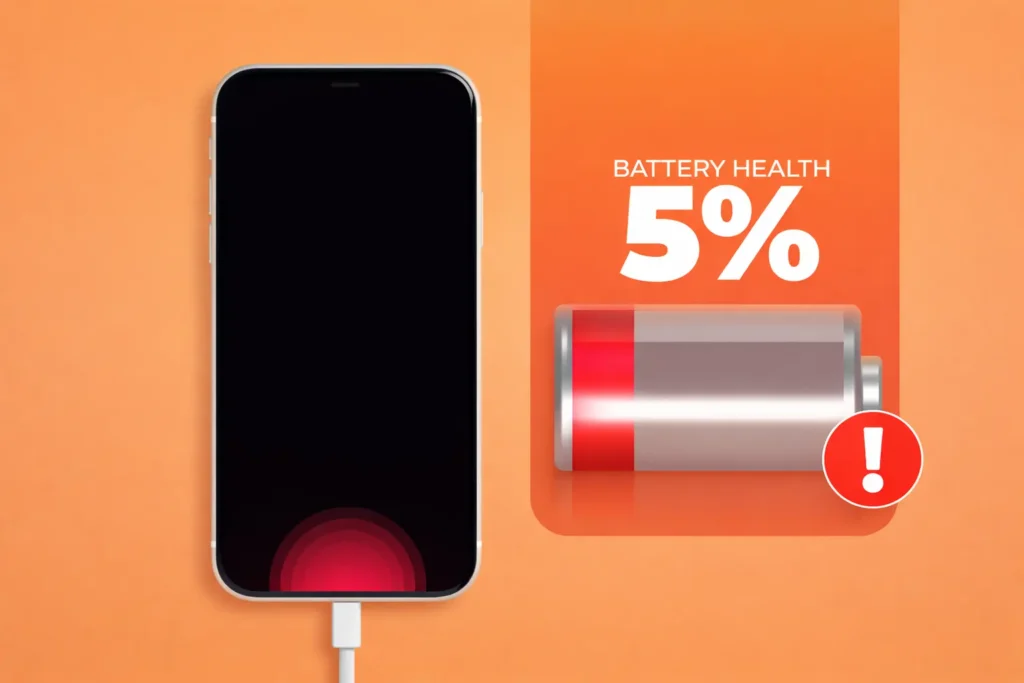
Pocket lint is especially problematic. Phones spend hours in jeans or jacket pockets, and lint slowly compresses at the back of the port. Even phones that are less than a year old can suffer from this.
When debris blocks the contacts:
- The charger may not seat properly
- Charging negotiation can fail
- Fast charging gets disabled automatically
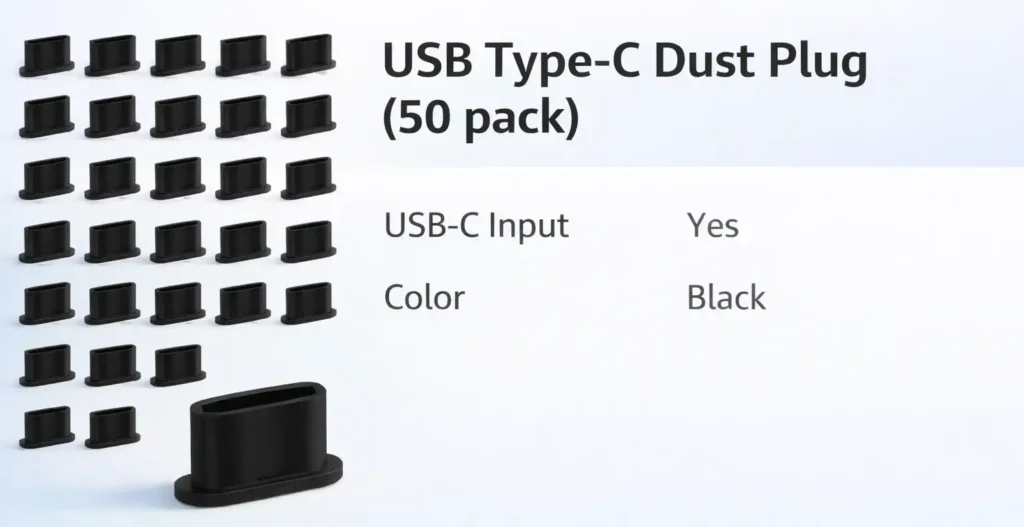
This 50-pack of USB Type C dust plugs is a simple way to prevent dust and pocket lint from getting inside your phone’s charging port, one of the most common reasons a phone is not fast charging anymore. The soft silicone design won’t damage the port. Just pop one in, and remove it when you need to charge.
Check it out on Amazon:
Your phone still charges, but much more slowly.
Signs Your Charging Port Is Dirty and Phone Not Fast Charging
There are a few easy clues to watch for:
- The charging cable feels tight or awkward when plugging in
- You don’t feel a solid “click” when the cable connects
- The cable feels loose or slips out easily
- Fast-charging notifications no longer appear
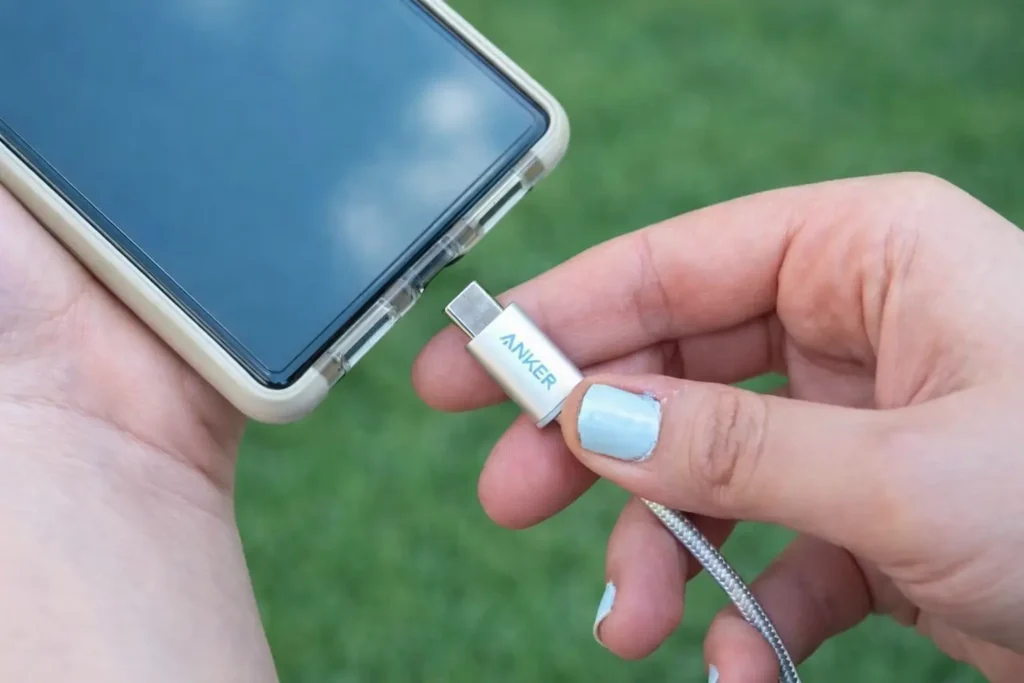
In severe cases, you might see dirt inside the port using a flashlight, but most of the time, the real problem is hidden deeper inside.
How to Safely Clean a USB-C Port When Your Phone Is Not Fast Charging
Cleaning the charging port often takes less than a minute and can instantly restore fast charging.
Start with compressed air
- Use short bursts to blow out loose dust
- Keep the nozzle slightly away from the port
If debris remains
- Use a soft electronics brush or a small interdental brush
- Gently push debris toward the edges, avoid pressing on the center pins
For sticky residue
- Lightly dampen a brush with isopropyl alcohol or contact cleaner
- Gently clean both sides of the contact plate
- Let the port dry completely before charging
Avoid sharp metal objects. They can permanently damage the pins inside the port.
Phone Not Fast Charging? Rule Out These Obvious Problems
Before assuming hardware damage:
- Try a different fast-charging cable
- Test another compatible charger
- Plug into a different power source
Cables wear out faster than phones, and even small internal breaks can disrupt fast-charging protocols.
When the port itself is damaged
If cleaning and cable swaps don’t help, the USB-C port may be worn or corroded. This happens over time due to:
- Repeated plugging and unplugging
- Moisture exposure
- Physical stress on the connector
The good news? USB-C port replacement is usually one of the simpler and cheaper phone repairs, since the port often sits on a small, separate board. A professional repair shop can usually handle it quickly.
Final Takeaway
If your phone suddenly stopped fast charging, don’t panic and don’t blame the battery just yet. In many cases, the fix is as simple as cleaning the charging port.
Fast charging isn’t just a luxury anymore, it’s a core feature of modern smartphones. And sometimes, all it takes to get it back is removing a little pocket lint.
If your phone not fast charging anymore, the issue is usually caused by dust, cable problems, or battery health degradation.
I Didn’t Know Roku Offered This Free Accessory, and Chances Are You Don’t Either