
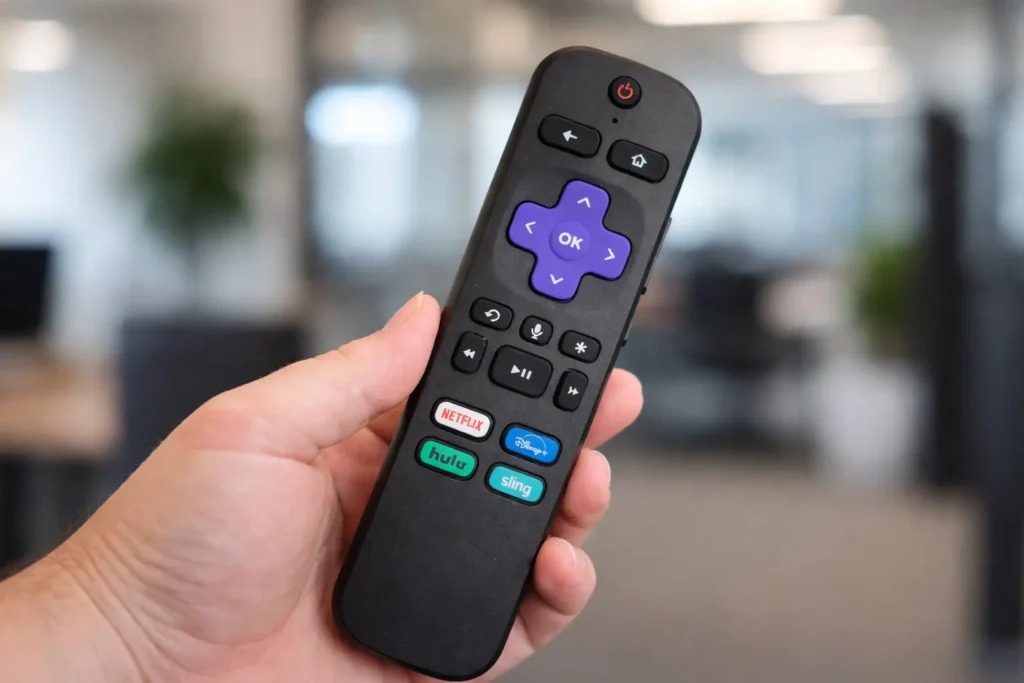
If you’ve ever plugged a Roku streaming stick into your TV and immediately run into trouble, you’re not alone. Tight HDMI port spacing, blocked inputs, or awkward angles are common problems, especially on modern ultra-thin TVs. What many Roku owners don’t realize is that Roku will send you a free HDMI extender, no purchase required.
Even better, requesting it only takes a few minutes.
The Common Roku Problem No One Talks About
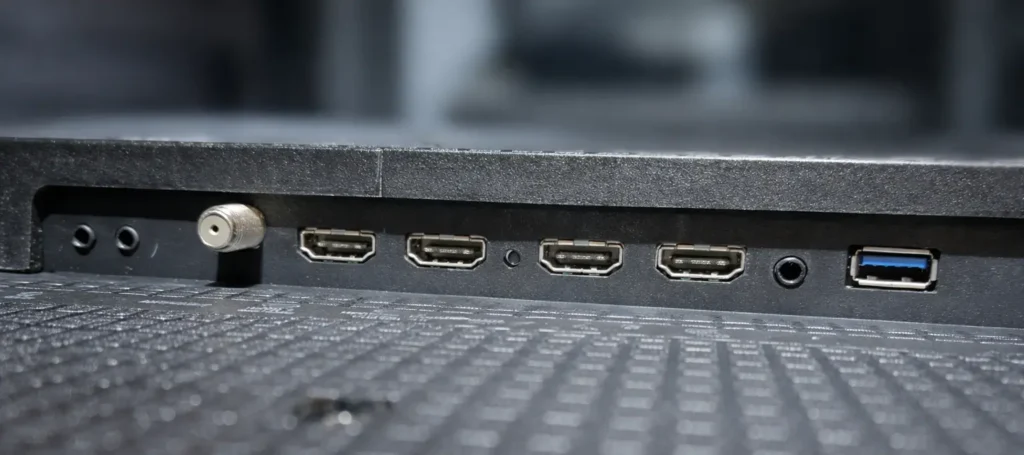
Roku streaming sticks plug directly into your TV’s HDMI port. While this design keeps things compact, it can cause issues such as:
- Blocking nearby HDMI ports
- Not fitting properly due to recessed or side-facing ports
- Strain on the HDMI connector when cables pull sideways
An HDMI extender solves all of these problems by giving your Roku a few inches of breathing room.
Why Amazon Includes an HDMI Extender — and Roku Doesn’t
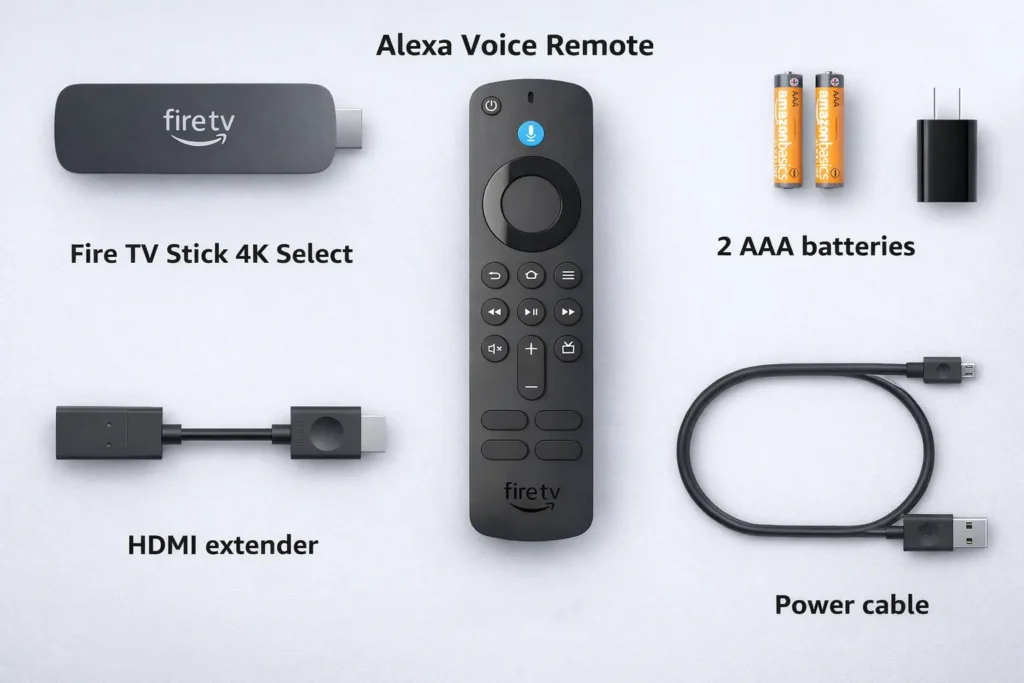
Amazon takes a different approach than Roku. Most Amazon Fire TV Stick models come with a short HDMI extender right in the box. While many users may never need it, Amazon ensures everyone has one just in case.
This approach is convenient, but costly. Shipping millions of extra cables adds up quickly.
Roku, on the other hand, chooses not to include an extender by default. Whether this is based on usage data or cost-cutting measures, the result is the same: most Roku devices ship without one.
The good news? Roku still provides an extender for free, you just have to request it.
How to Get a Free HDMI Extender From Roku
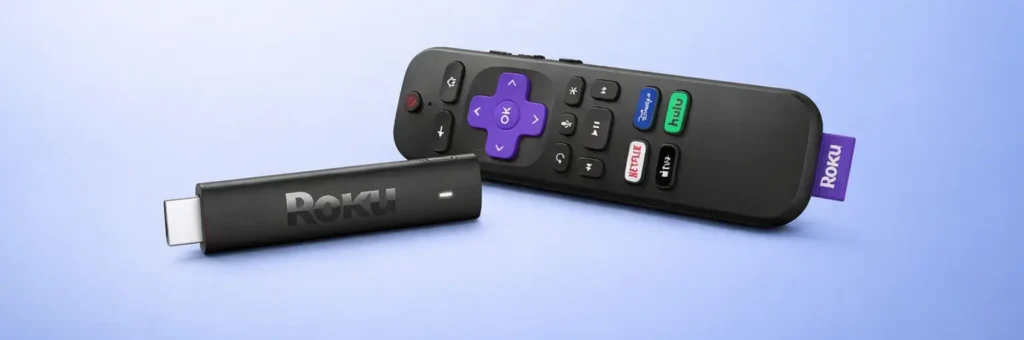
Roku offers a simple online request form where eligible users can order a free HDMI extender. To complete the request, you’ll need:
- The serial number of your Roku device
- A shipping address
- A phone, tablet, or computer
Pro tip: Some users report that the serial number shown in Roku’s on-screen menu doesn’t always work. If possible, use the serial number printed directly on the Roku device itself, it tends to be more reliable.
Once submitted, Roku ships the extender to you at no cost.
Is It Worth the Wait?
Ordering the extender isn’t as instant as pulling one out of the box or buying one locally. However, considering it’s completely free, most users find the small wait more than acceptable.
For many people, the extender becomes essential when:
- Mounting a TV close to the wall
- Using multiple HDMI devices
- Connecting older Roku models with side-mounted power cables
Why an HDMI Extender Is More Useful Than You Think
An HDMI extender may seem like a minor accessory, but it offers several real benefits:
- Prevents blocking other HDMI inputs
- Improves cable management
- Reduces wear and tear on your TV’s HDMI port
- Helps Roku sticks fit into tight or recessed ports
These small advantages can significantly improve long-term reliability and ease of use.
Should You Request One Even If You Don’t Need It Yet?
Honestly. Yes.
You may not need an HDMI extender today, but future TVs, wall mounts, or device layouts could change that. Having one on hand saves time, frustration, and unnecessary spending later.
Since Roku offers it for free, there’s little reason not to request one if you own a compatible Roku streaming stick.
Final Thoughts
Roku may not advertise this perk loudly, but the free HDMI extender is a genuinely useful accessory that many users overlook. If your Roku setup feels cramped or might be in the future, taking a few minutes to request one is well worth it.
Sometimes the best tech upgrades are the ones that don’t cost anything at all.
Pingback: Phone Not Fast Charging? 7 Hidden Reasons & How to Fix Them -